
Let yourself be inspired by Augmented Reality
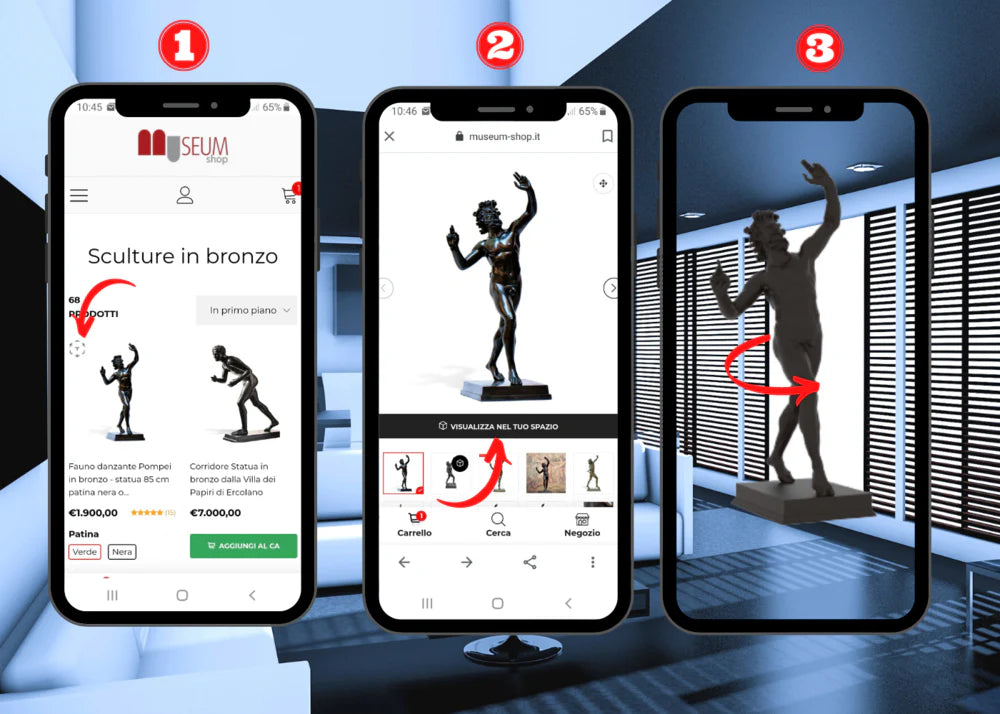
Here are 3 steps to use the product's Augmented Reality:
1) Open the product that has THE CUBE ICON, using your compatible smartphone or tablet.
2) Click on the black button "VIEW IN YOUR SPACE" below the product image.
3) Use the phone or tablet camera that will open automatically to view the 3D augmented reality product in your environment. You can zoom in and rotate it 360°, to better understand the size and the finish-color that best matches the rest of the furniture in your home.
Watch the video
Bring Art Home
Anyone who has furnished a home at least once in their life knows that the most difficult part of choosing an interior item is trying to imagine it in their own space.
When an interior item arrives at home, we often realize that it is either too big or too small, or not suitable for other furniture elements.
We at Museum-shop have found an effective way to meet the needs of our customers. We have decided to use Augmented Reality technology (AR content) to make online selection easier.
By using your phone's camera (iOS 12 and Android 12 devices), you can view our statues and sculptures from the collection in 3D as if they were right in front of you.
Just three simple steps are enough.
View our products in 3D
-
Marble Statue of Cupid and Psyche
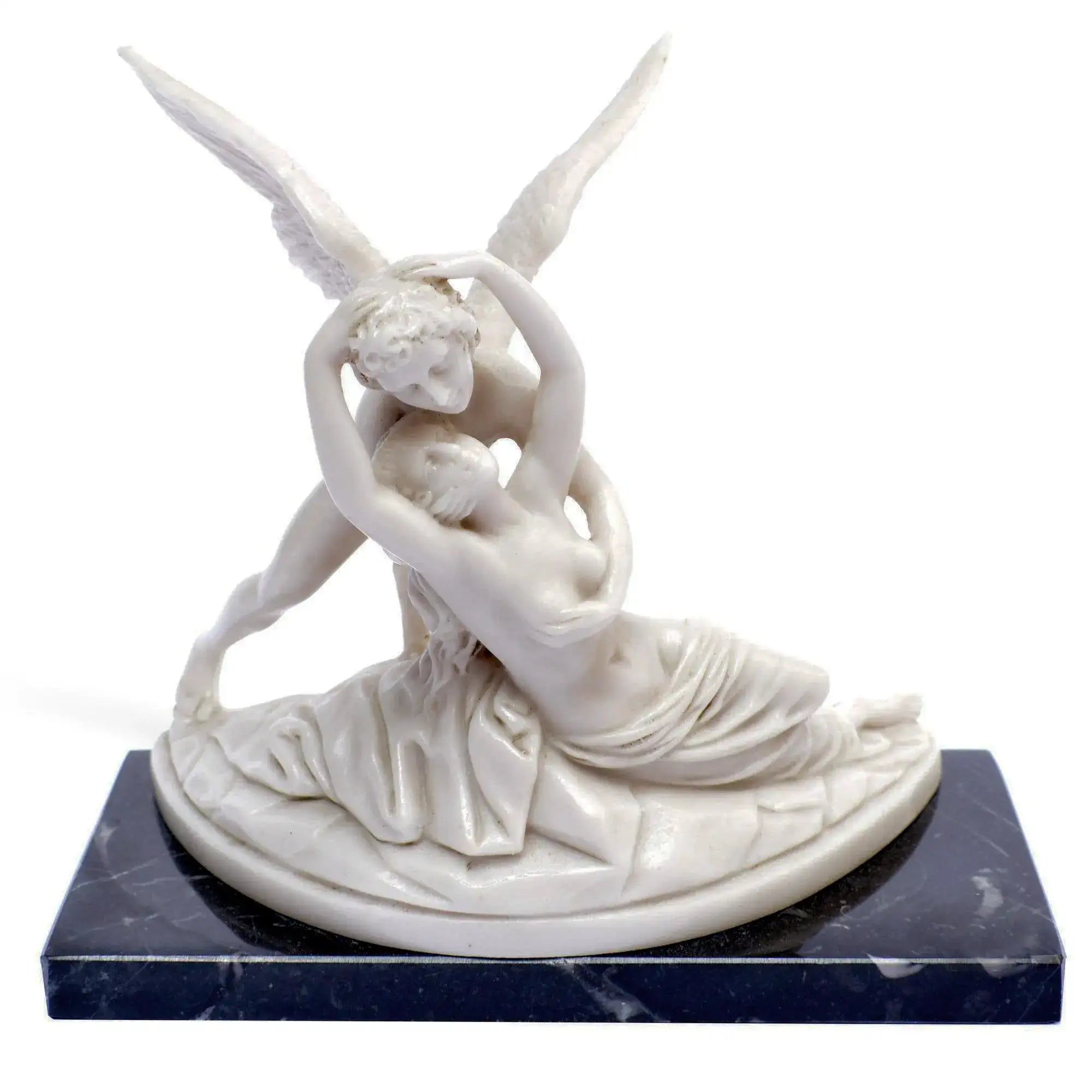
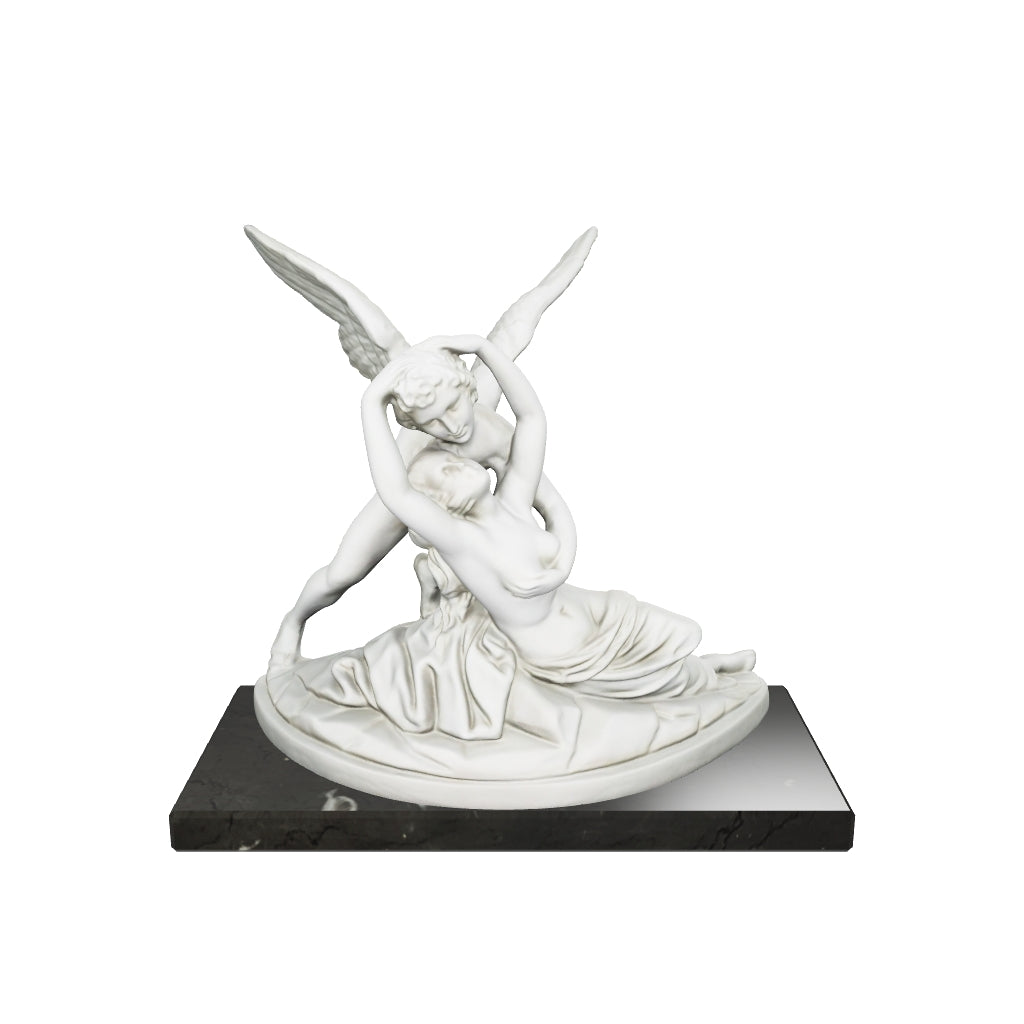 Vendor:Museum Shop ItalyBestsellers
Marble Statue of Cupid and Psyche
- Regular price
- $112.72
- Sale price
- $112.72
- Regular price
-
-
Small Greek Horse Statuette in Bronze
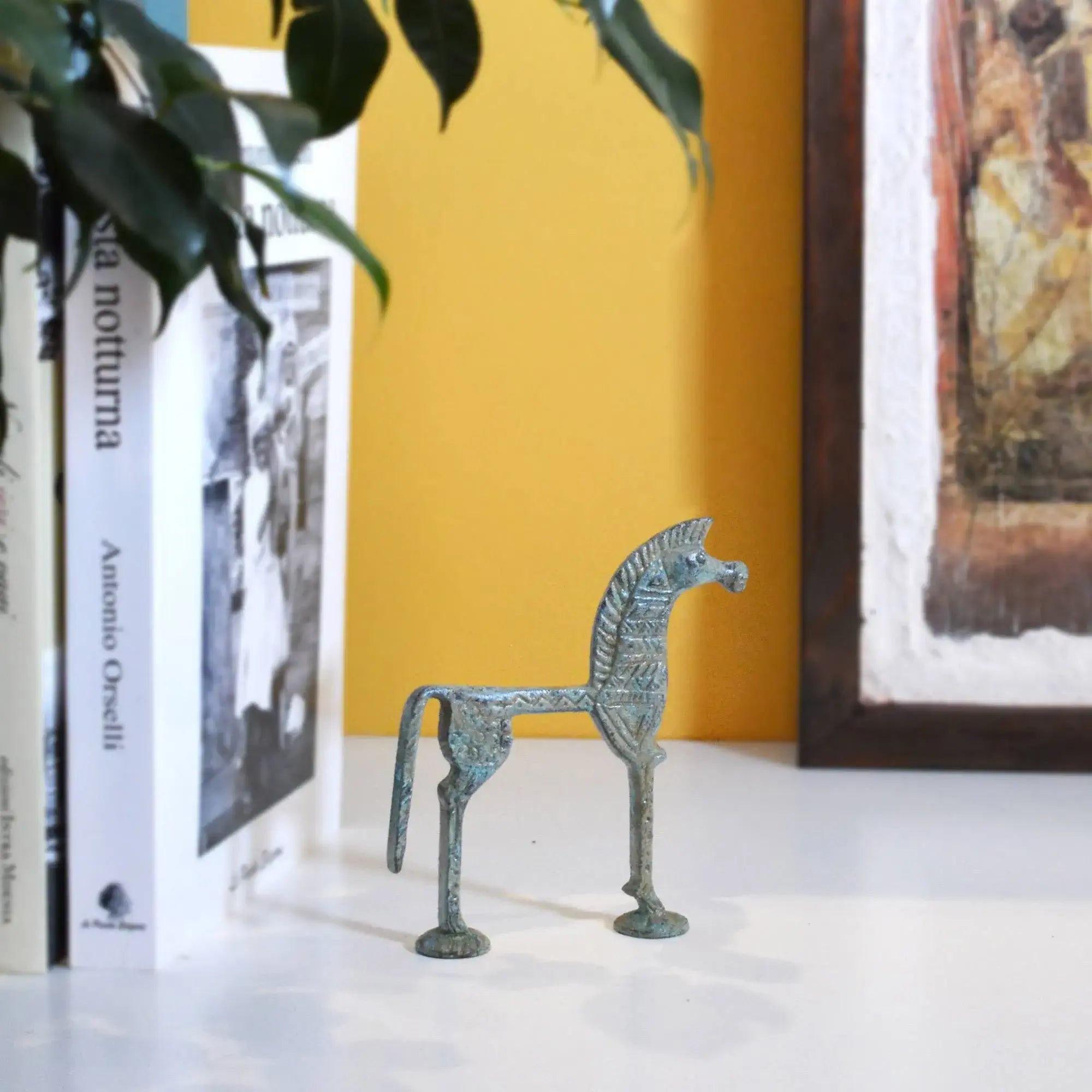
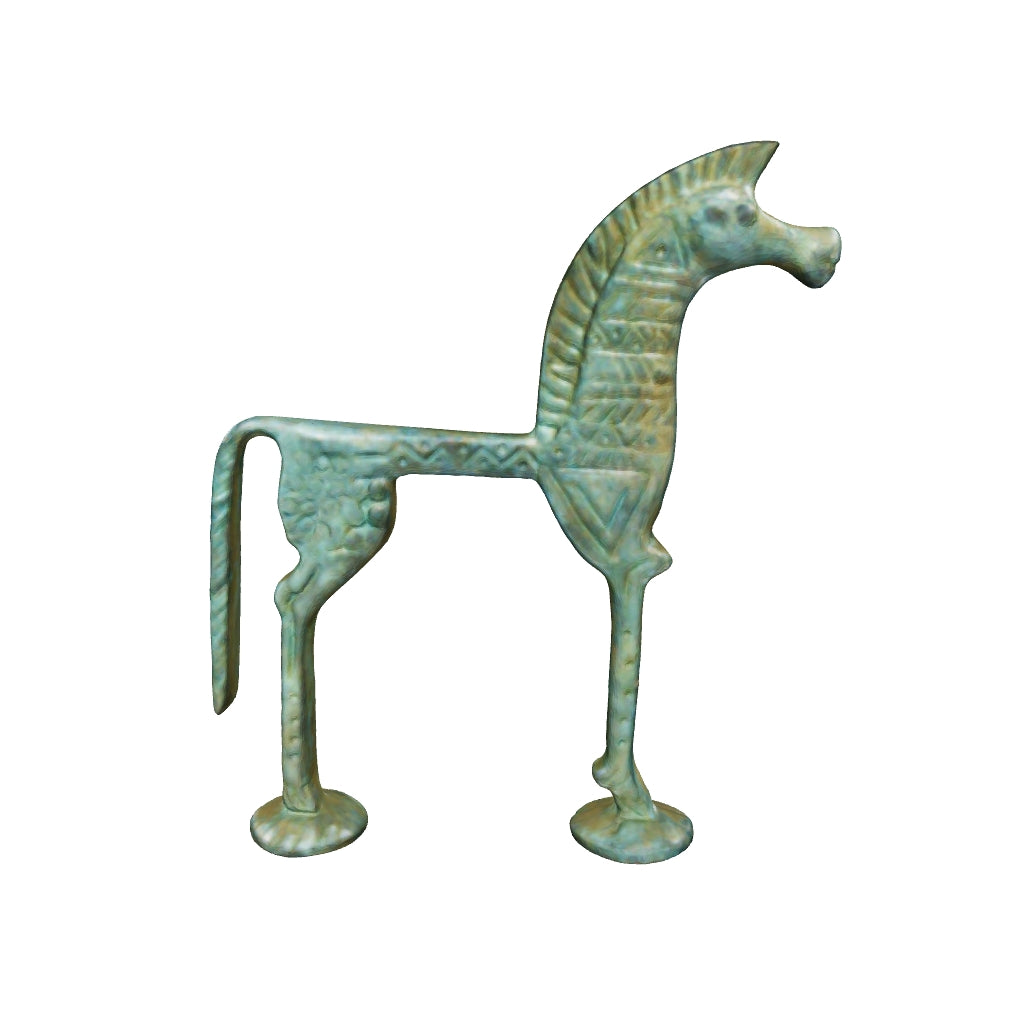 Vendor:Museum Shop ItalyAirport
Small Greek Horse Statuette in Bronze
- Regular price
- $80.29
- Sale price
- $80.29
- Regular price
-
-
Running Gorgon Medusa, Terracotta Plate
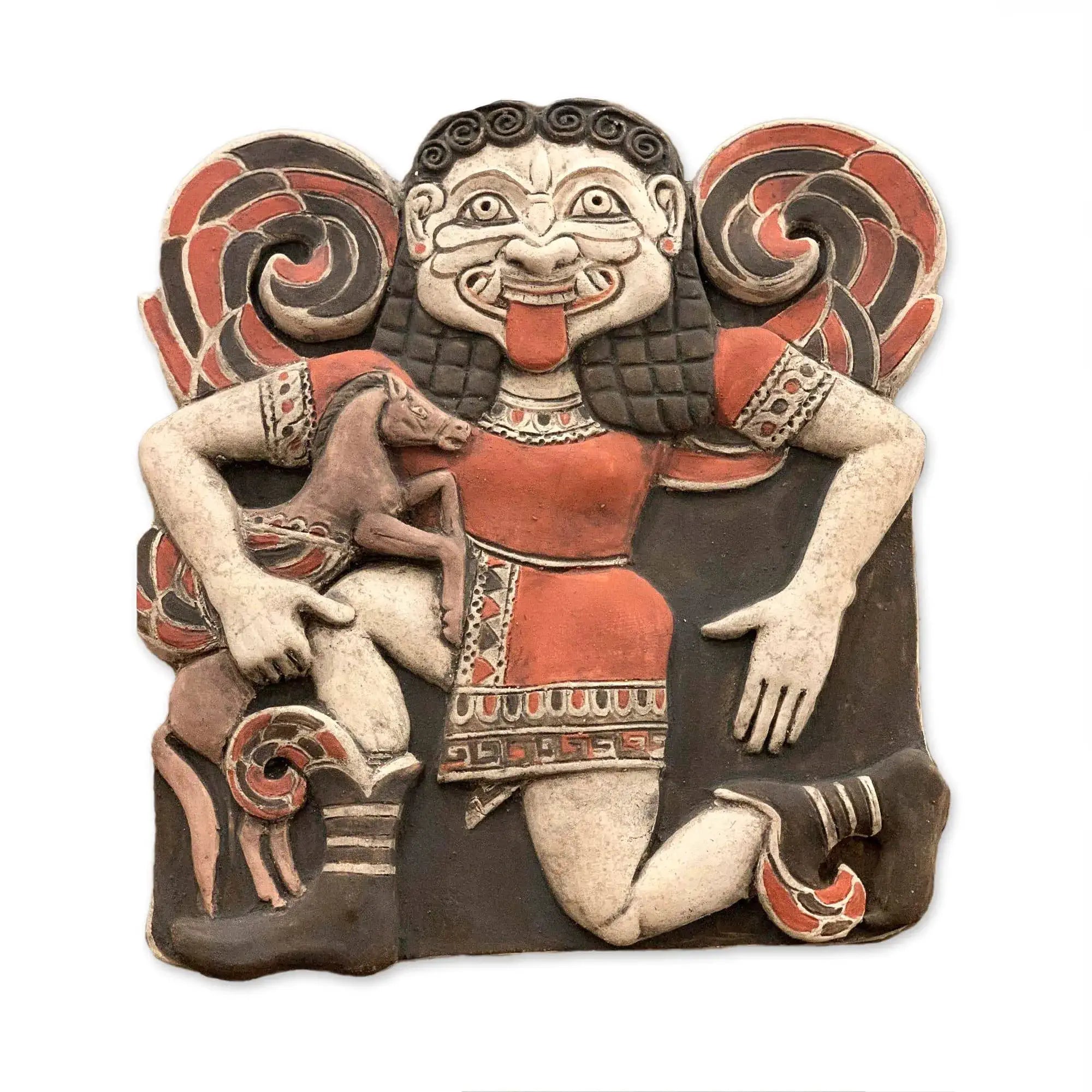
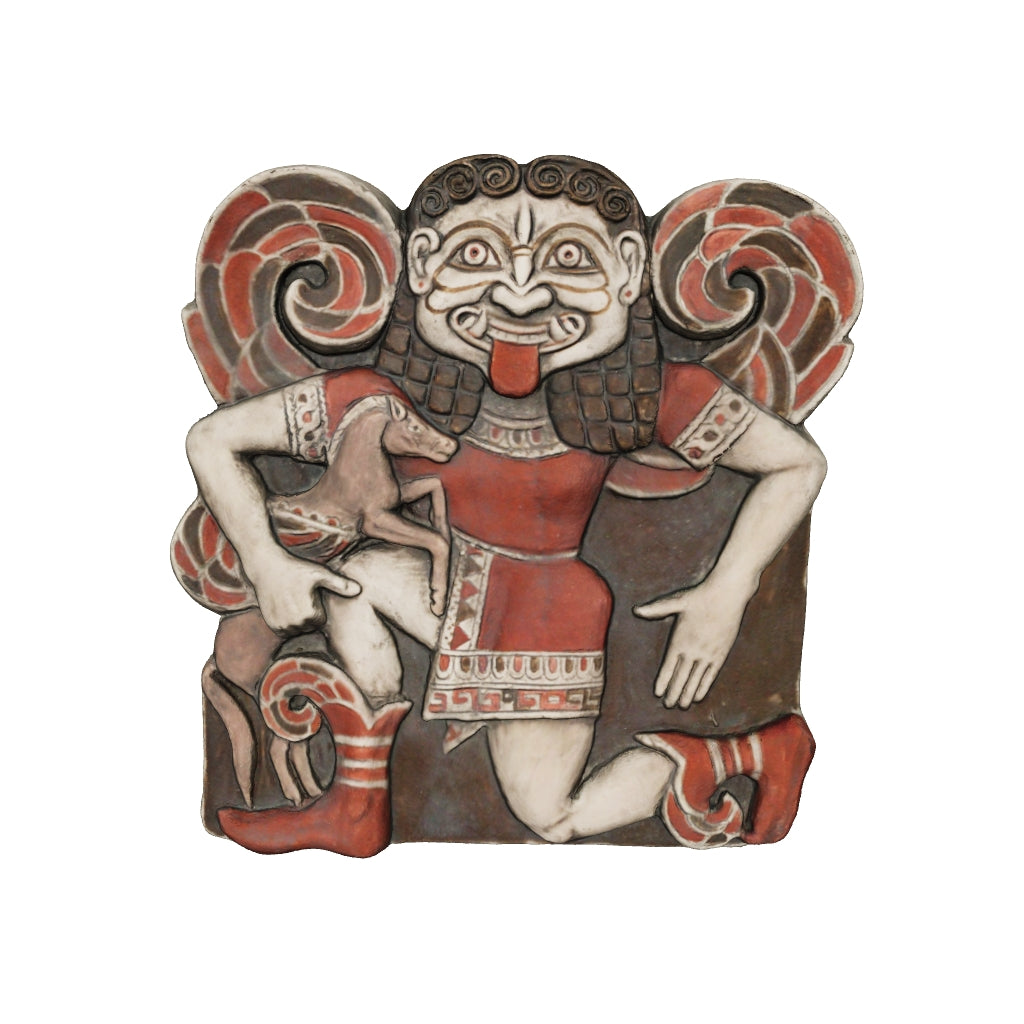 Vendor:Museum Shop ItalyAirport
Running Gorgon Medusa, Terracotta Plate
- Regular price
- $370.59
- Sale price
- $370.59
- Regular price
-
-
Bronze Statuette of Roman Chariot
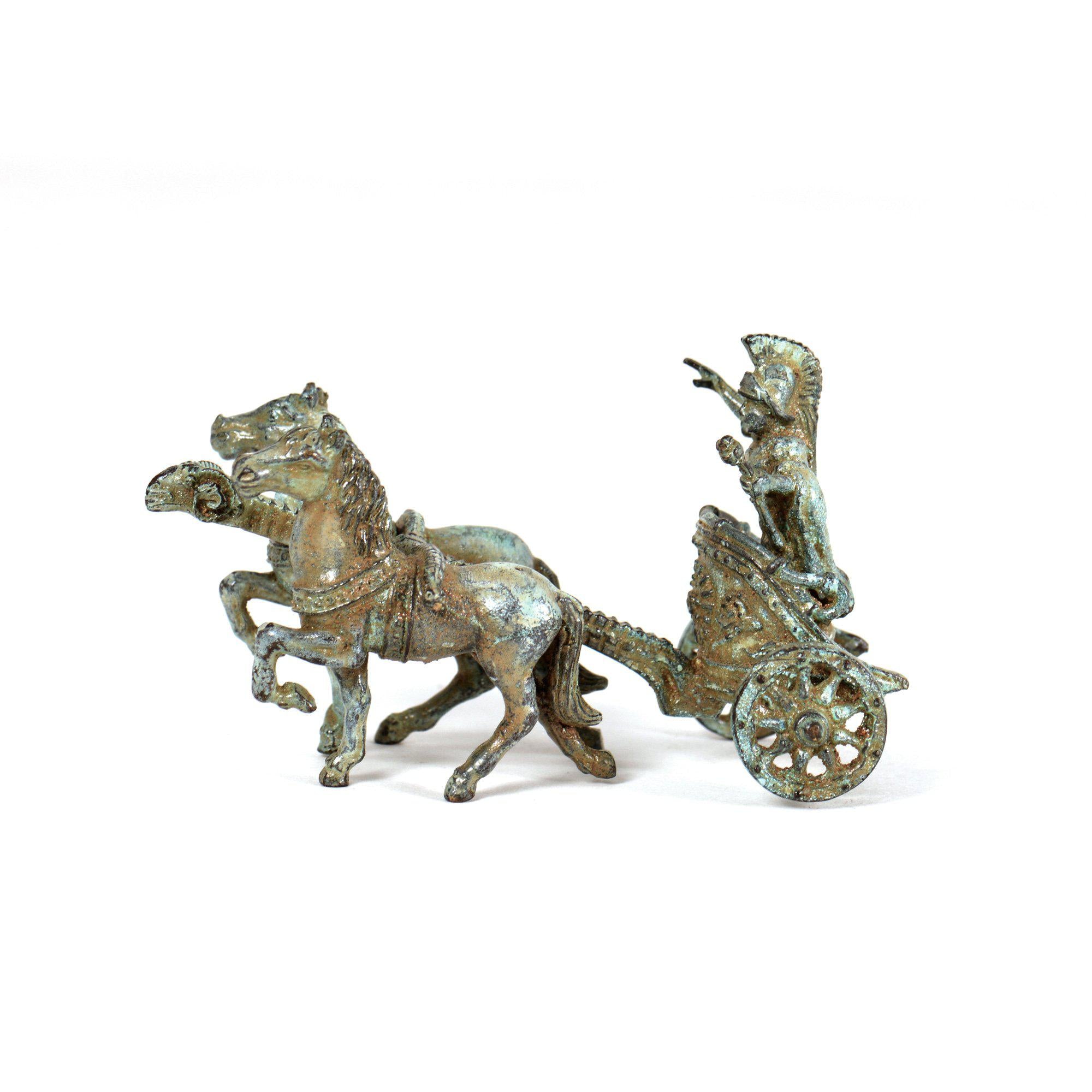
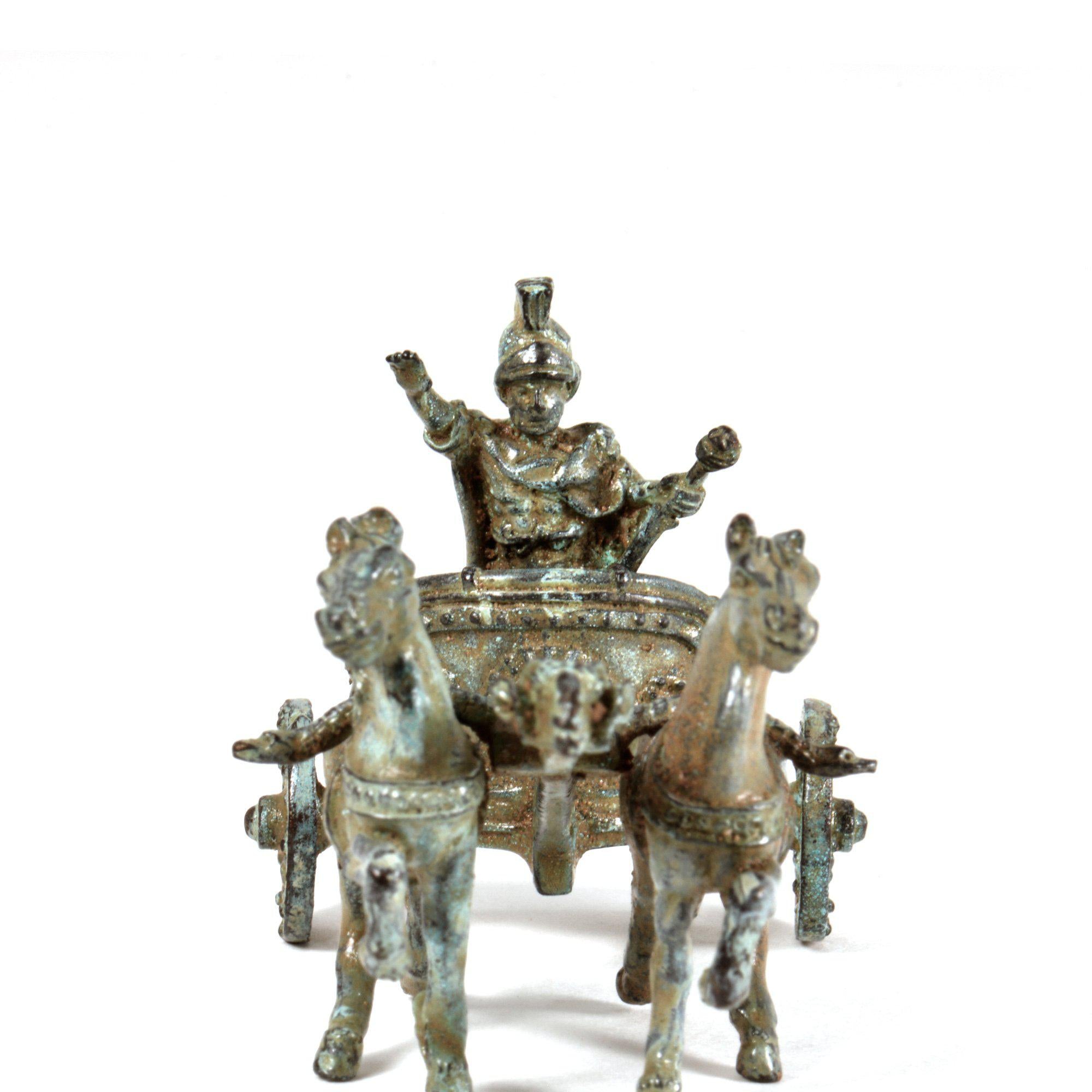 Vendor:Museum Shop ItalyAirport
Bronze Statuette of Roman Chariot
- Regular price
- $142.06
- Sale price
- $142.06
- Regular price
-
